


Description
Executive Rooms
All-in-One for Teams Meetings
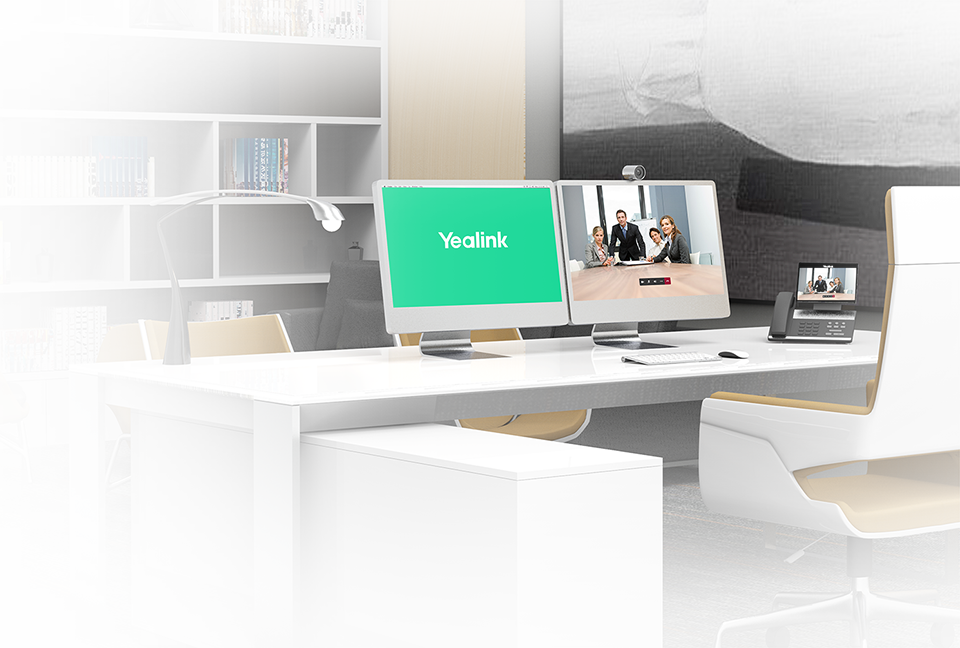
The VP59 video phone integrates voice and video solutions for personal desks. The 8-inch multi-point touch screen and the native Teams interface provide a rich visual presentation and easy menu navigation, which helps reduce the learning curve. Users can start and answer phone calls simply, quickly join and control Teams meetings, and enjoy Teams collaboration at ease with the VP59.
Broader, Superwide Meeting View
The VP59 8-inch (1280 x 80) adjustable multi-point screen provides a rich visual presentation. The Hardware Offloading technology ensures 720p resolution for both P2P video and content sharing. Moreover, with the HDMI output, users are able to sync the screen to a monitor for a brighter and wider visual experience when working with a multi-person video meeting or checking the content shared on the screen.
HD Audio and More Functionality
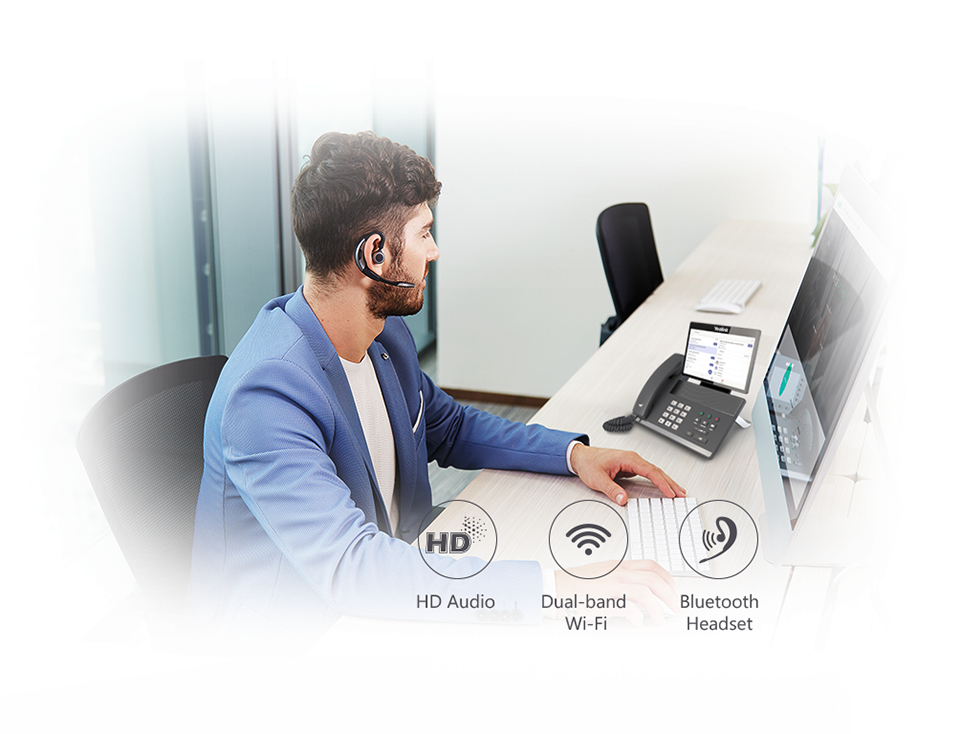
The Yealink Optima HD Voice and Yealink Noise Proof technologies deliver a marvelous audio clarity. Users can work and talk freely without noise or other disturbances. The built-in Bluetooth 4.2 and dual-band Wi-Fi support a Bluetooth wireless headset and wireless microphone for a longer voice pickup distance, bringing great functionality for personal workstations. With the VP59, users can talk hands-free or enjoy more wireless desk-working experience.
Simple Devices, Easy Deployment
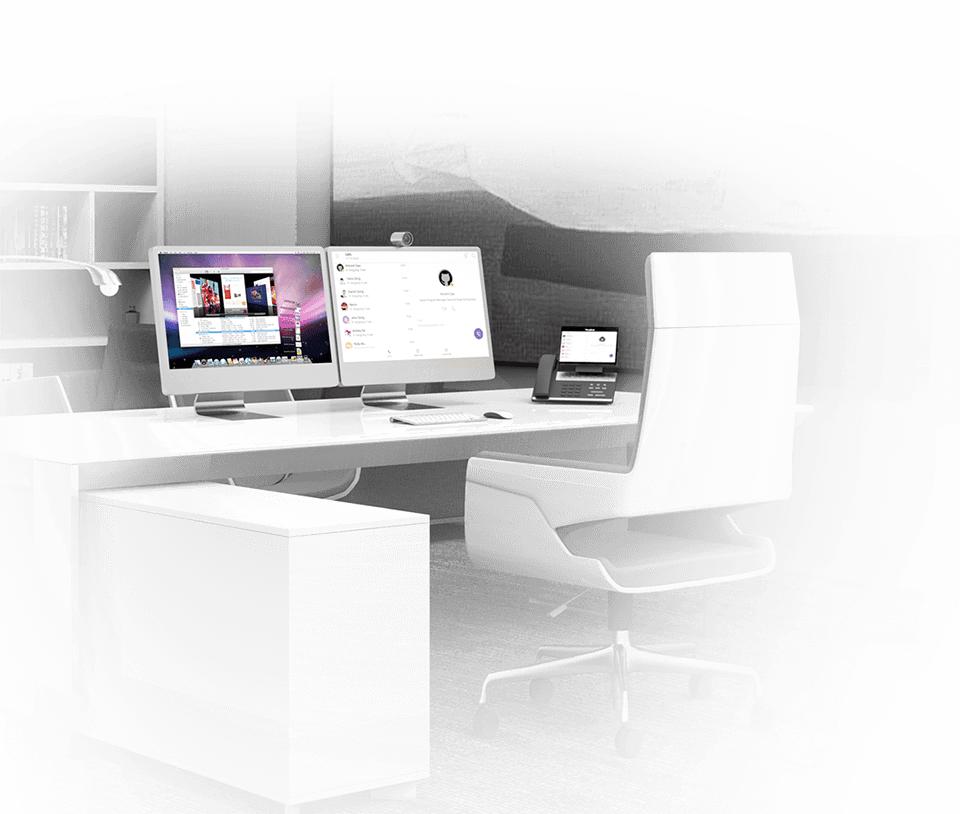
The Yealink VP59 video phone simplifies deployment for users who need to deploy both voice and video devices in a personal workspace just through PoE with a single cable connection. Coupled with Yealink’s efficient auto-provisioning mechanism, including phone deployment and configuration, the Yealink VP59 enables administrators to take advantage of the centralized deployment, management, and updating. Moreover, VP59 supports several device management platforms, including Microsoft/Yealink/Unify Square Device Management Platform.
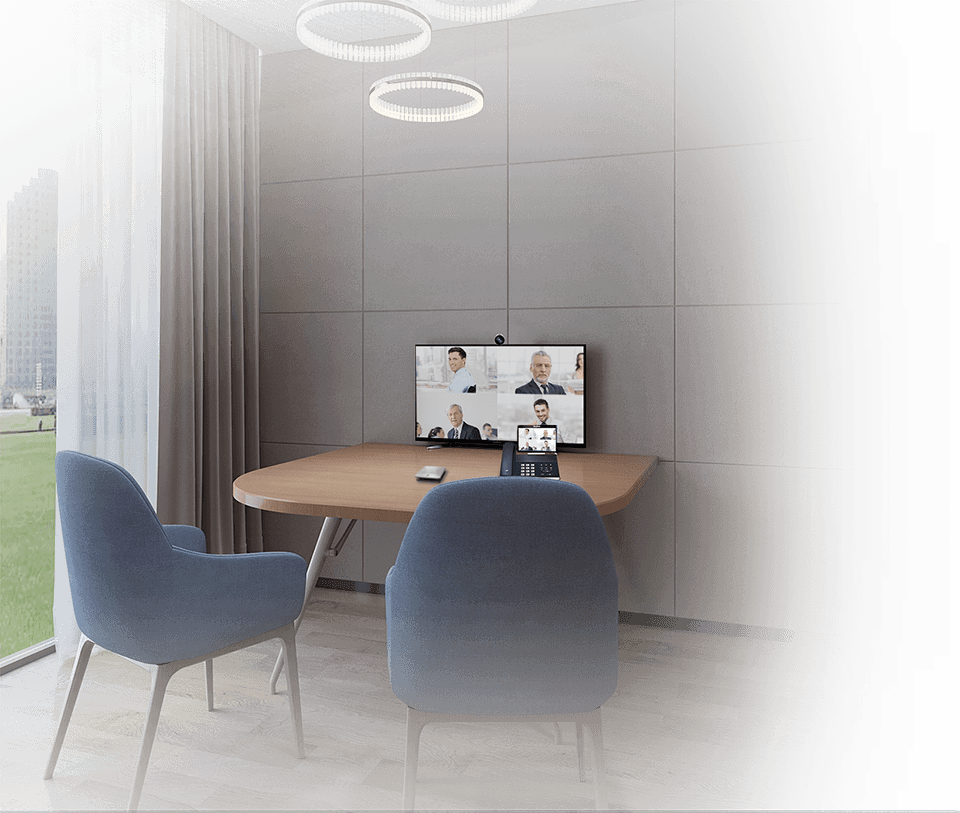
Transform the VP59 into a meeting room solution
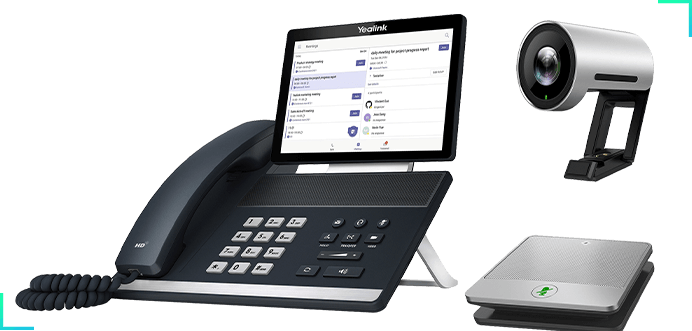
VP59 - Huddle Room Solution
Yealink MVC Series
Seamless Teams Meeting Experience Across Rooms
Touch to Start Meeting
MTouch · Teams Interface & Human Motion Sensor
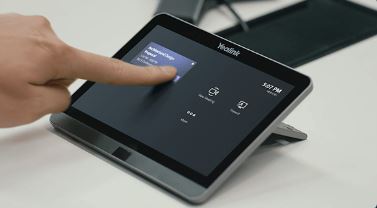
The MTouch console’s eight-inch touch-control display features multiple management tools with a familiar Microsoft Teams interface, providing you with an easy meeting management experience and lower learning costs. The tailored plug-in software allows users to control the PTZ of the camera directly from the touchscreen. The console includes an embedded Human Motion Sensor that activates the device automatically when human motion is detected. All you have to do is start a meeting with one touch.

Instant Content Sharing
MShare & WPP20 · Instant Content Sharing
With Yealink MVC devices and Microsoft Teams software, the Microsoft Teams Room content sharing system allows participants to see content in 1080P/30FPS resolution. The Yealink MShare with both HDMI and Mini-DP input allows users to present content from their laptops. The wireless content sharing option, Yealink WPP20, supports wireless presentations for even more flexibility. Simply plug in the WPP20 to share content with a single click.
Manage Devices Remotely
Yealink Device Management Platform
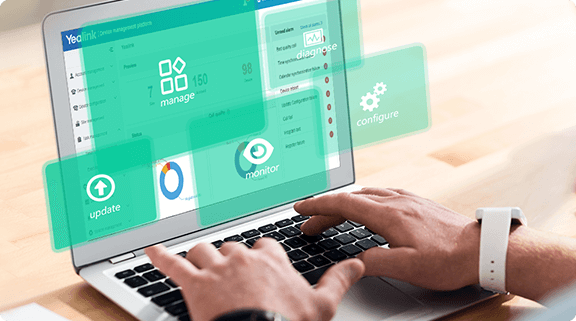
You can remotely manage, monitor, configure, update, and diagnose all Yealink audio and video device peripherals on the Yealink Device Management Platform / Cloud Service.
Payment & Security
Your payment information is processed securely. We do not store credit card details nor have access to your credit card information.